Semi-automatic mode
A wrist sensor detects and records each set. Automatic mode is coming soon.

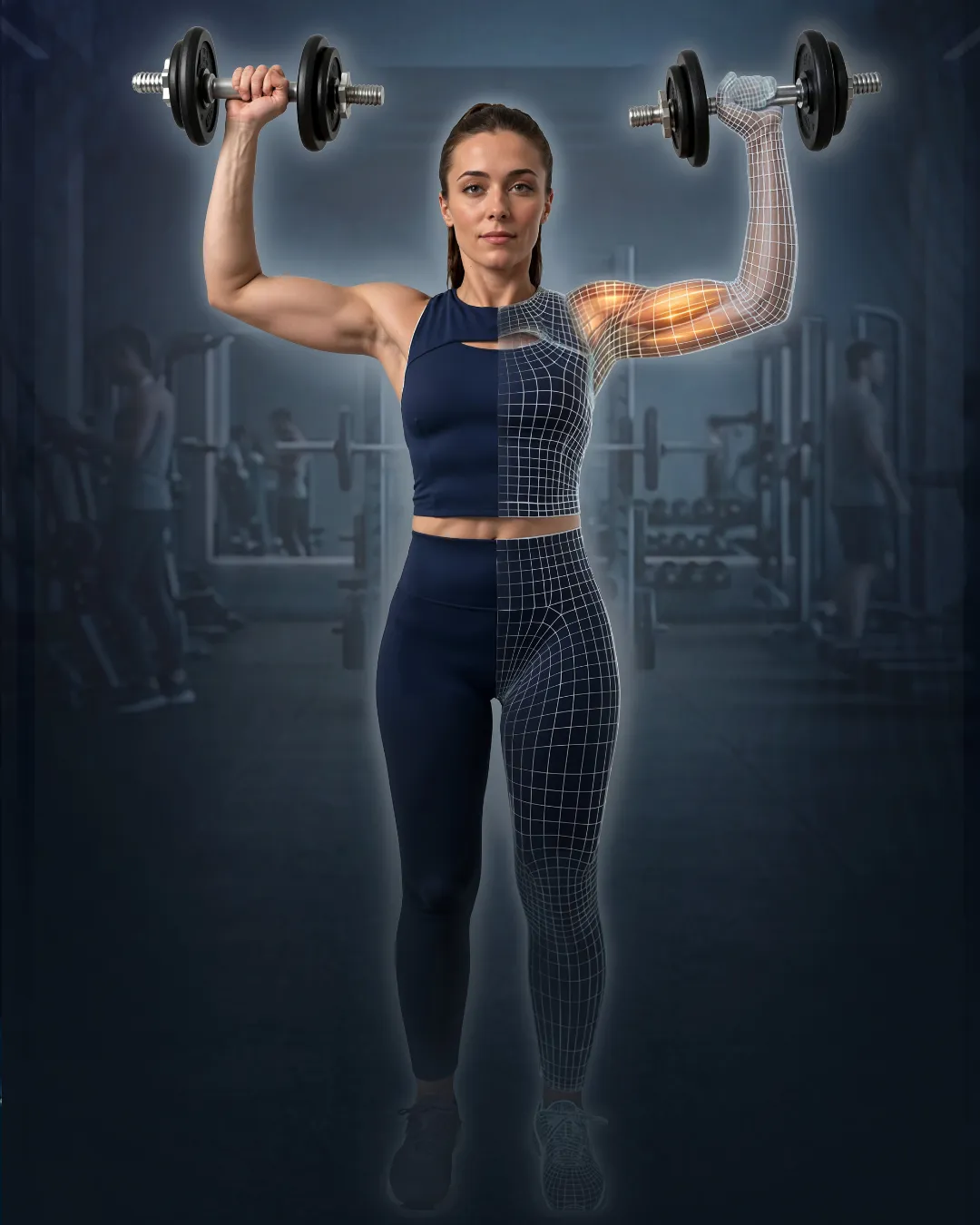
Strength training, muscle growth, cardio and wellness: TwinFIT supports you during every workout, regardless of location or type of equipment. A wrist sensor detects your sets, Twin drafts your routine and your progress reads at a glance.
 Coming soon
Semi-automatic mode
A wrist sensor detects and records each set. Automatic mode is coming soon.
Wherever you want, whenever you want
At the gym, at home, or even at the park. It’s up to you!
Any type of equipment
Dumbbells, barbells, machines and bodyweight, from any manufacturer.
Digital interface
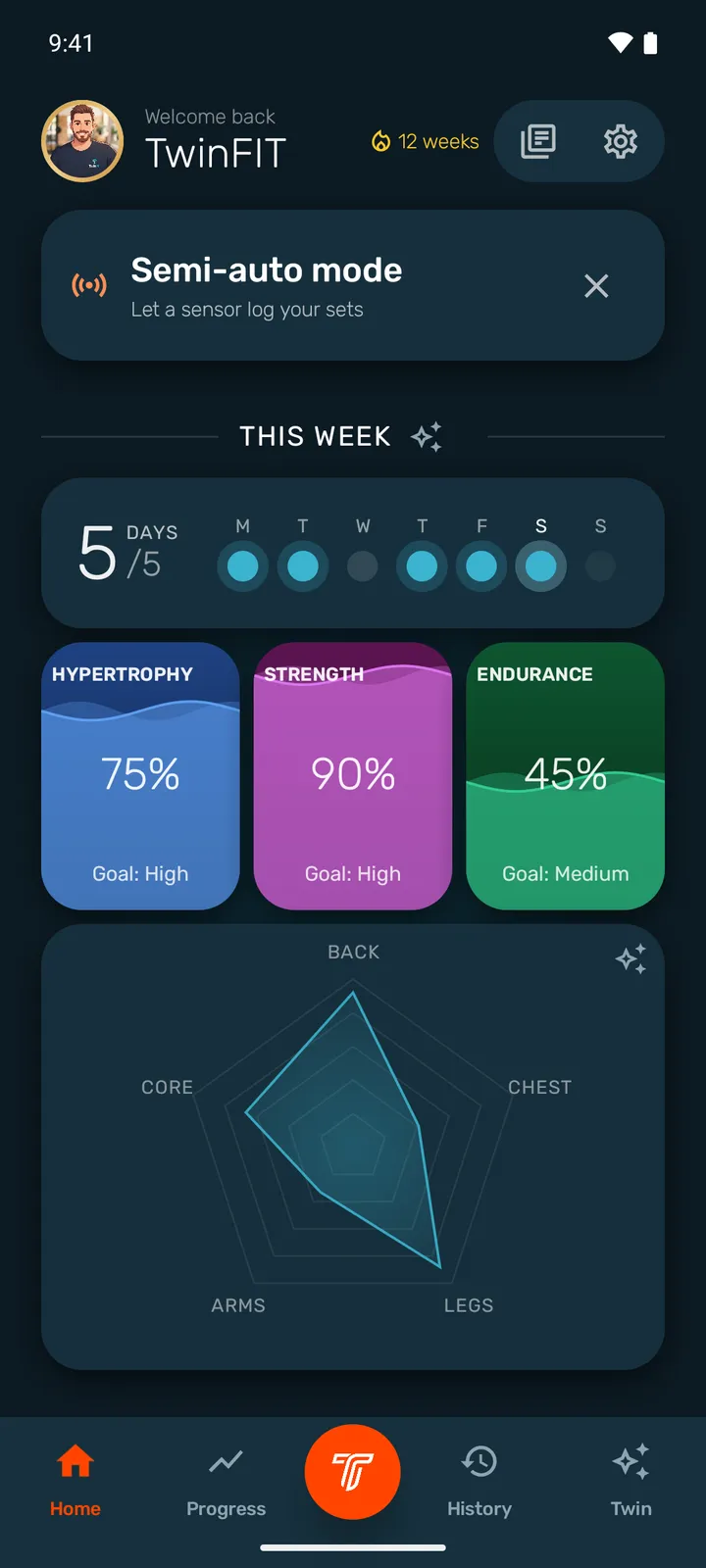
Start your workout, log your sets and track your progress. With recommendations, analyses and visuals, TwinFIT adapts to your pace. The History tab summarizes your session: which exercises, how many sets and reps, and much more.
Coming soon to Google PlayThe digital interface takes the form of a digital twin to guide you through your development. You get a personalized program and you build on your best practices.
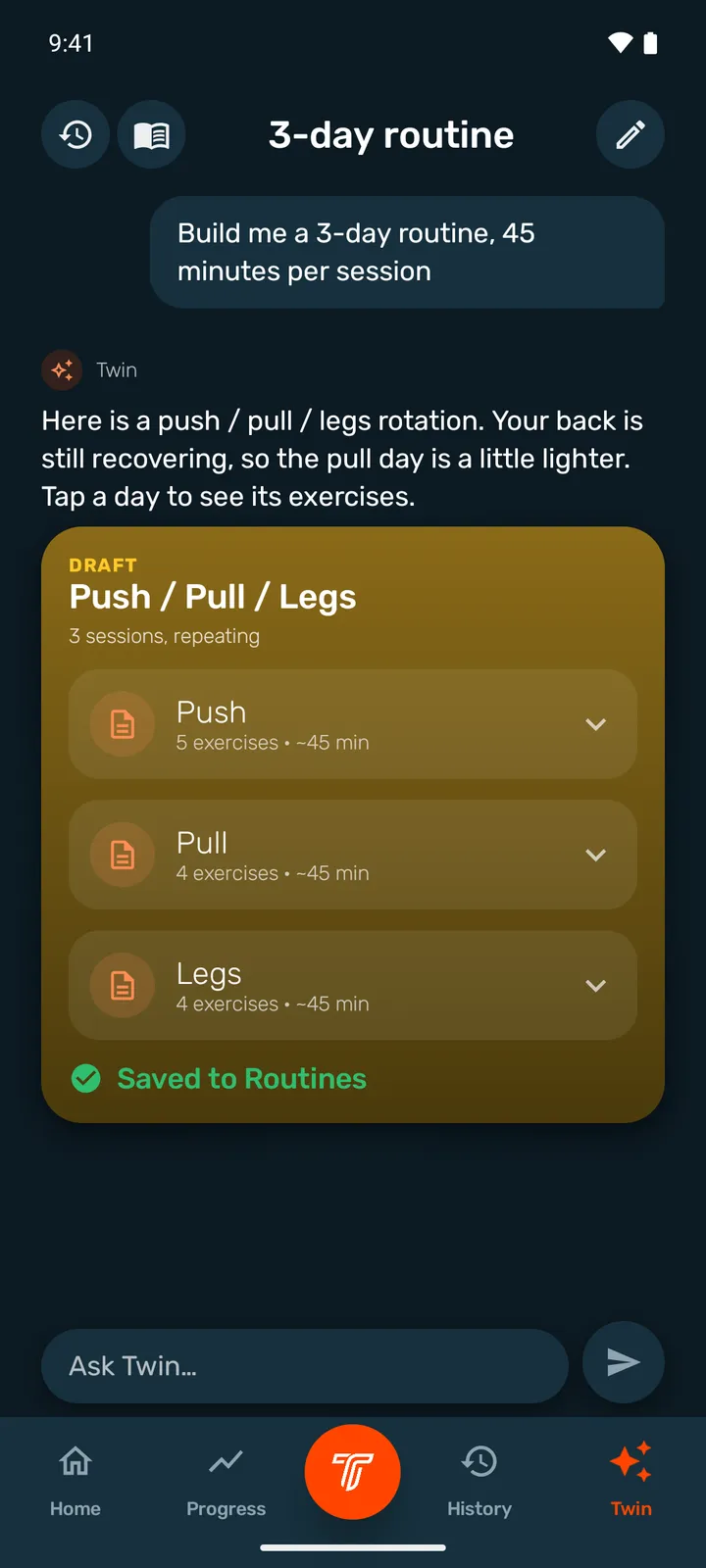
Tell Twin what results you’re looking for, and get a customized program.
A free workout, a template or a routine: you’re in control!
Each session is analyzed carefully and in a fun way.
Looking for a challenge or wanting to get in better shape? TwinFIT adapts.
Semi-automatic mode
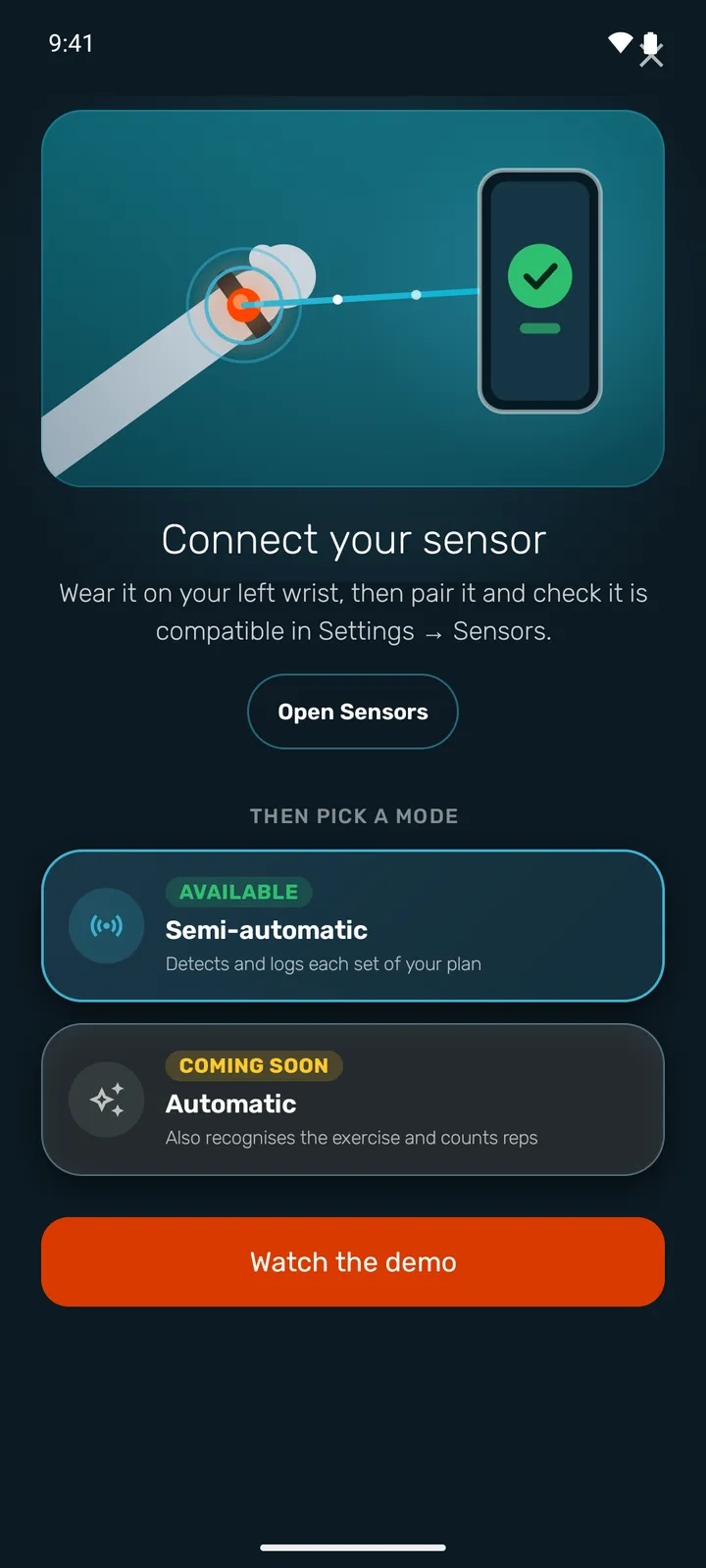
Start a template or pick your exercises, put the sensor on your left wrist and train as usual. When you stop, TwinFIT records the set for you and gets the next one ready, without touching anything.
Detects and records each set of your plan.
Will also recognise the exercise and count the reps.
A set is at least 10 seconds of movement; detecting its end takes about 4 seconds.
Twin
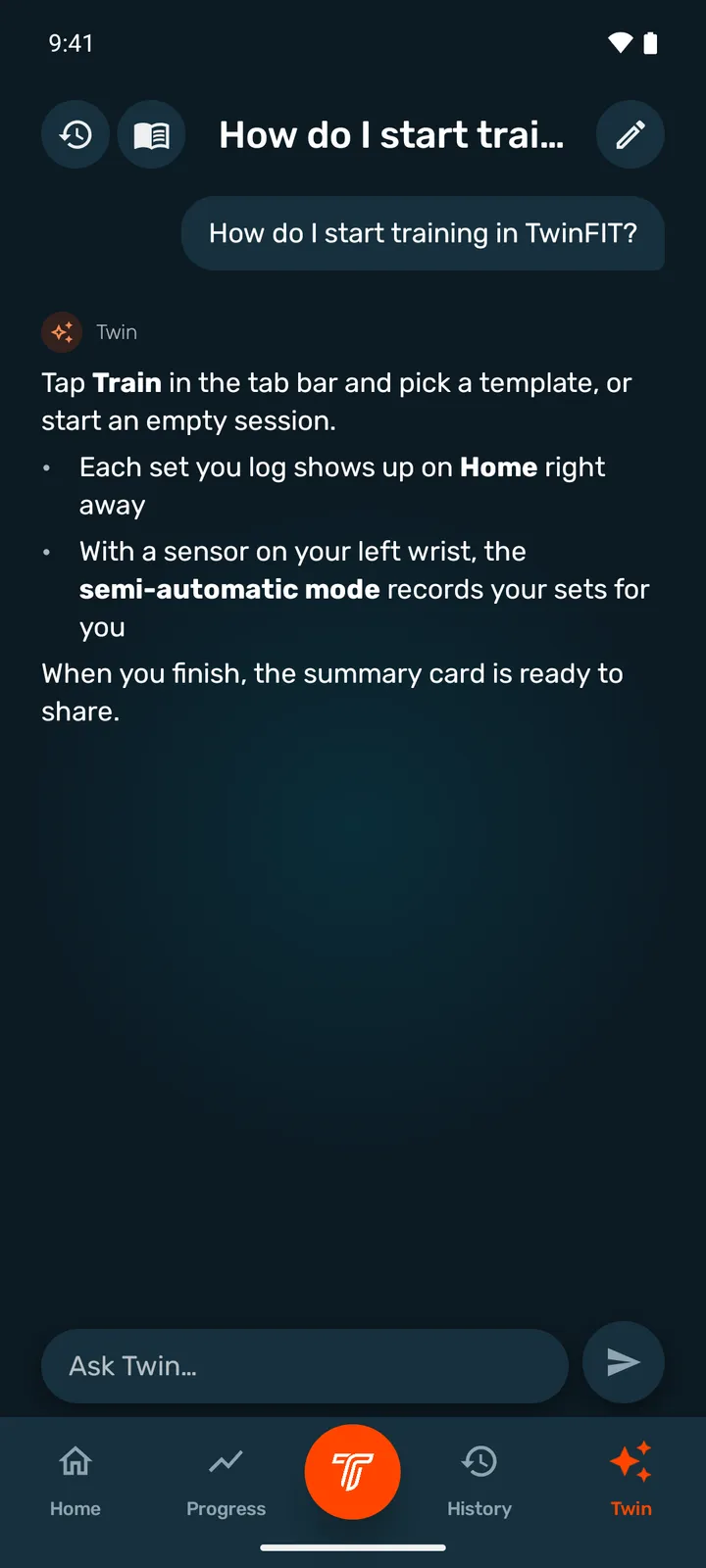
Twin answers your training questions with sources, builds templates and complete routines from your history and your recovery, and walks you through the app with tutorials.
Twin is not a doctor. In case of pain or injury, see a professional.
Library
Build your templates, chain them into routines and pick from an illustrated catalog: every exercise has its pictures and its muscle map, and you can create your own exercises.
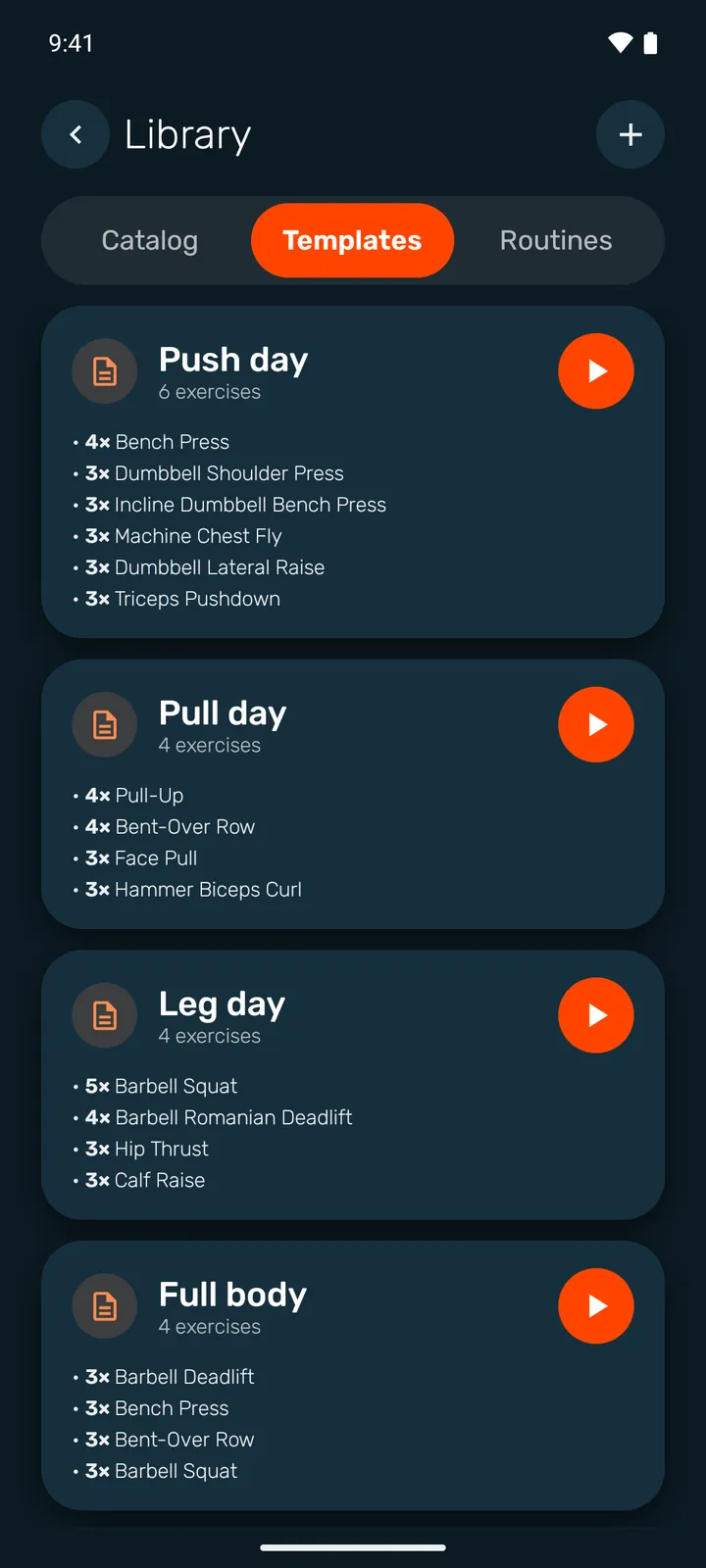
Templates
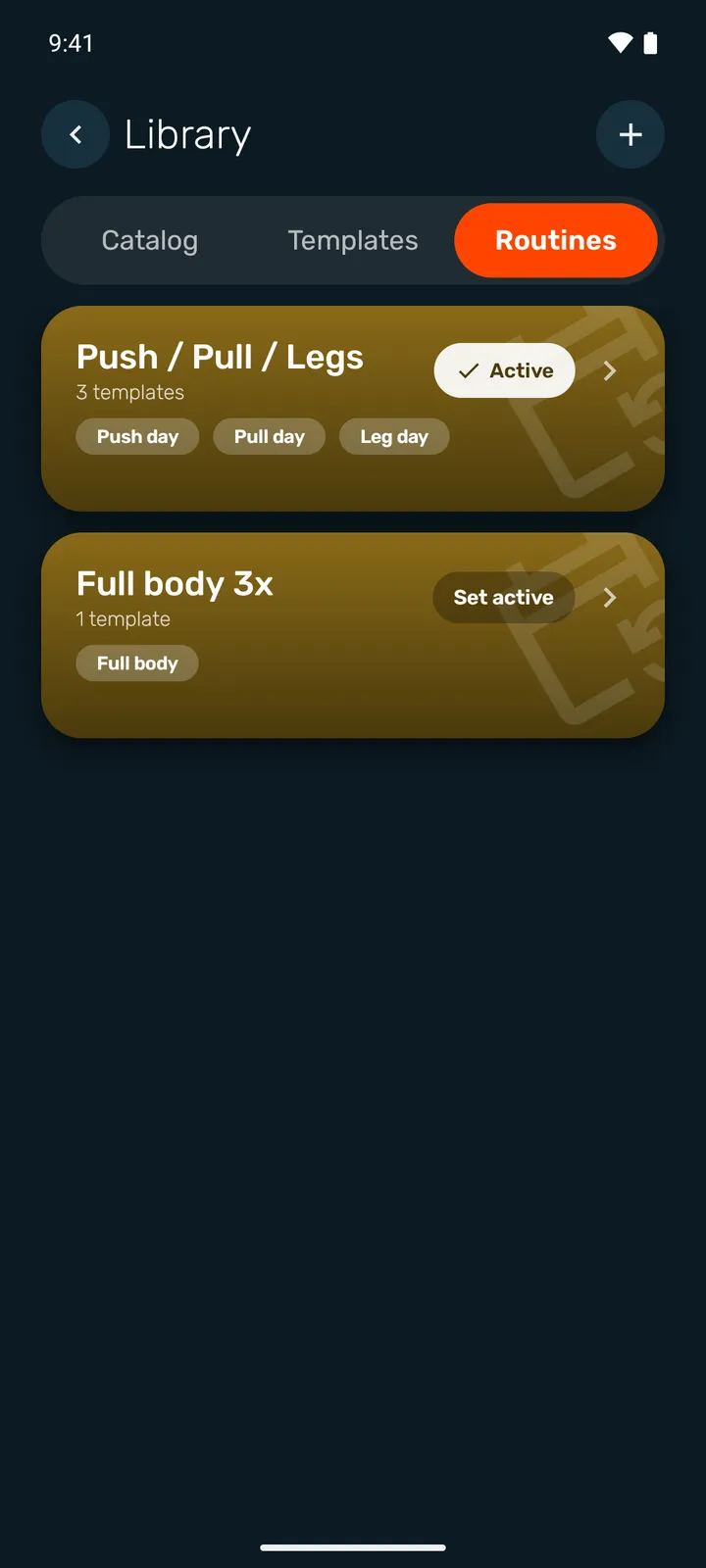
Routines
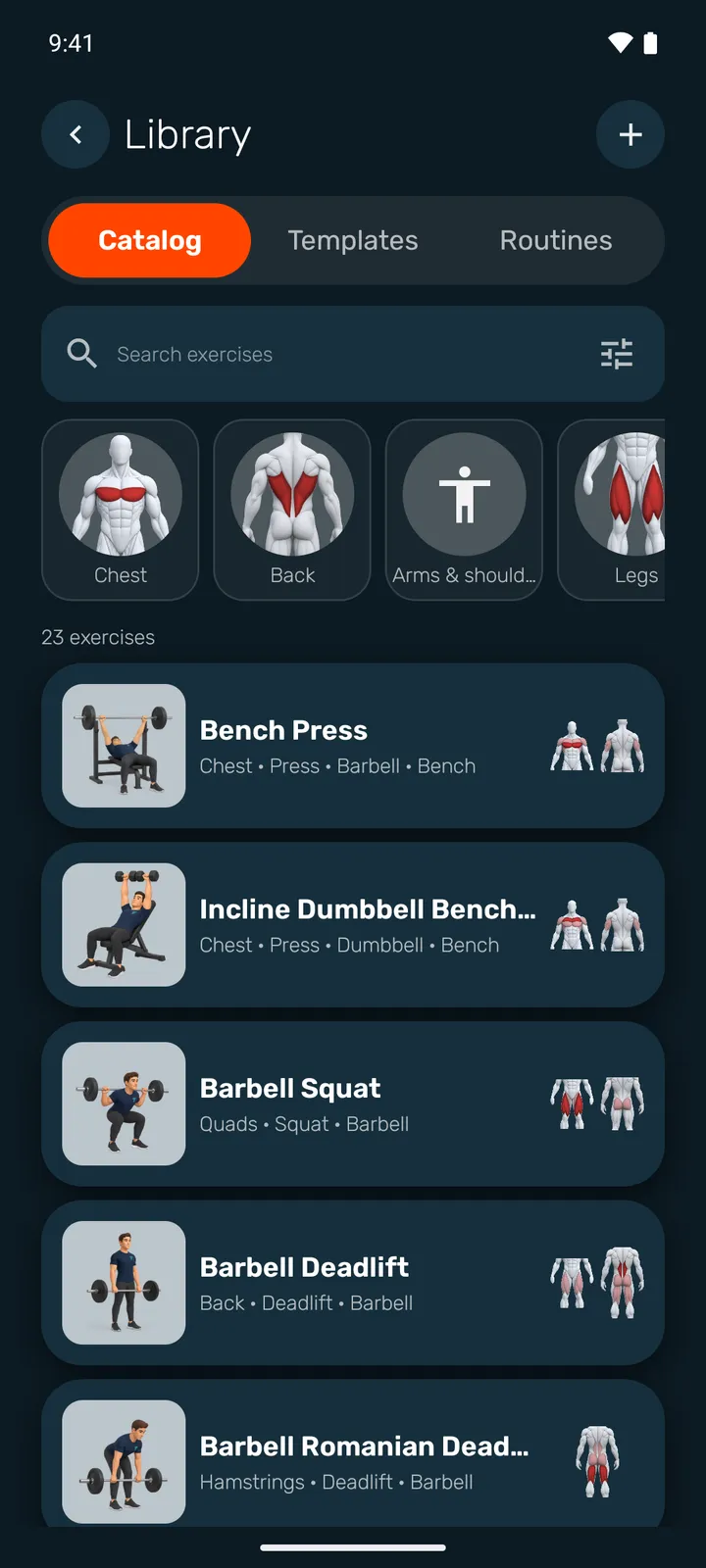
Illustrated catalog
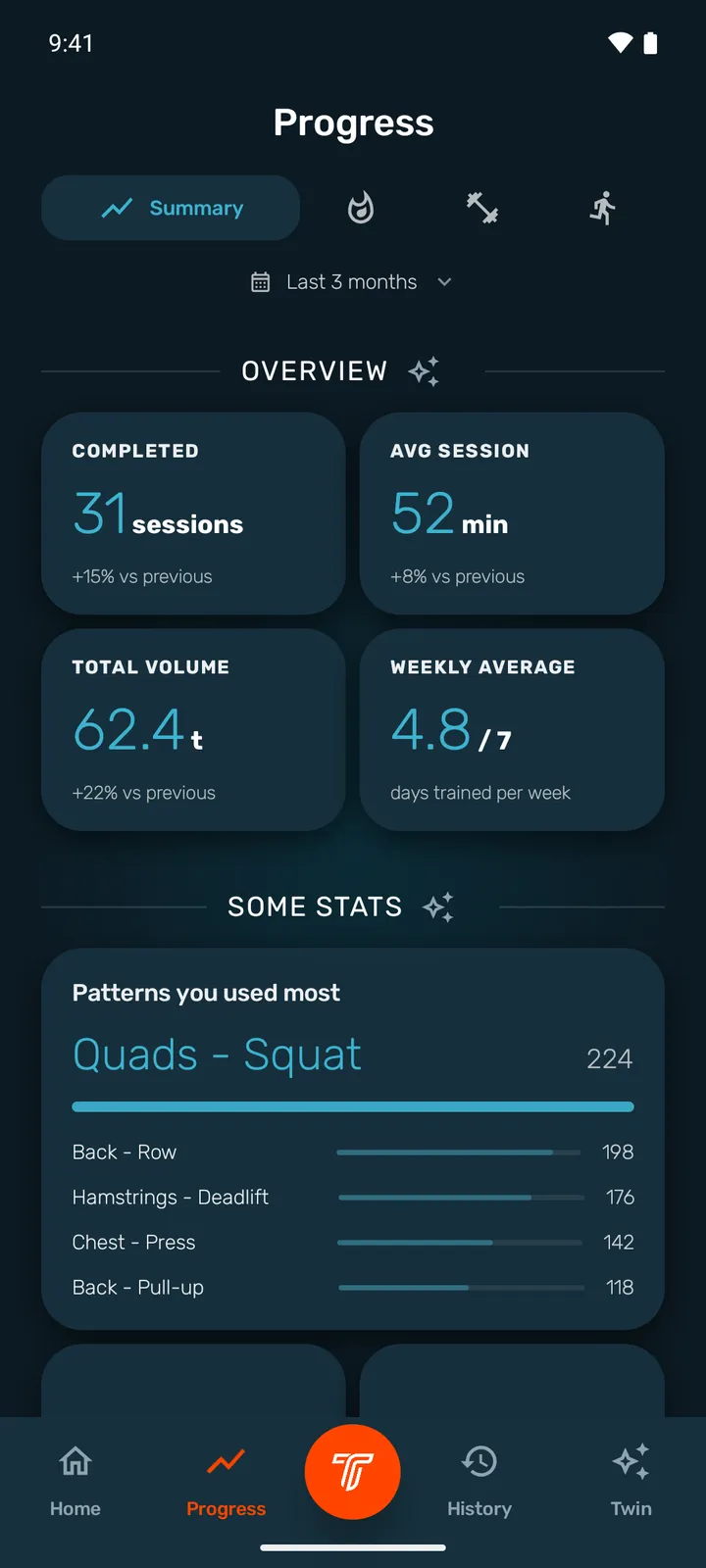
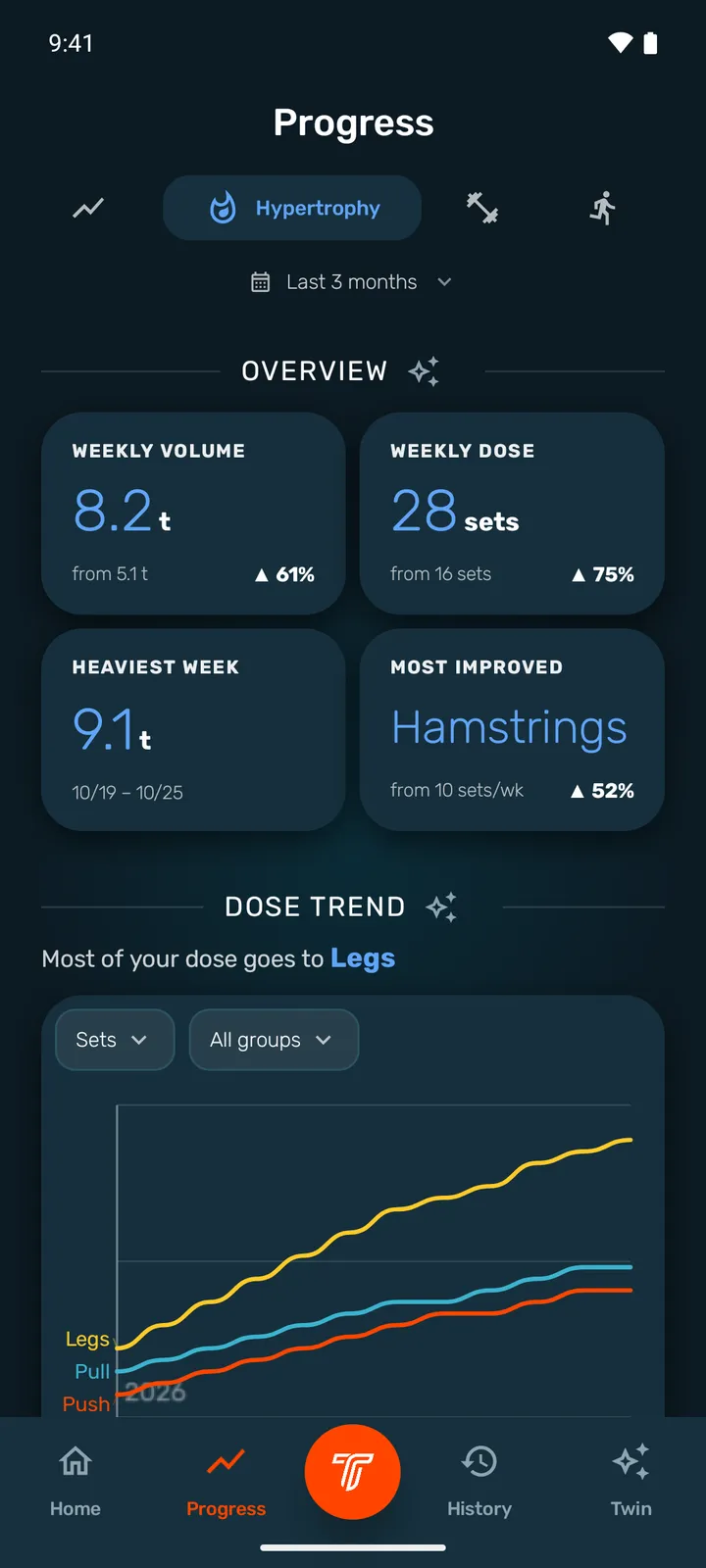
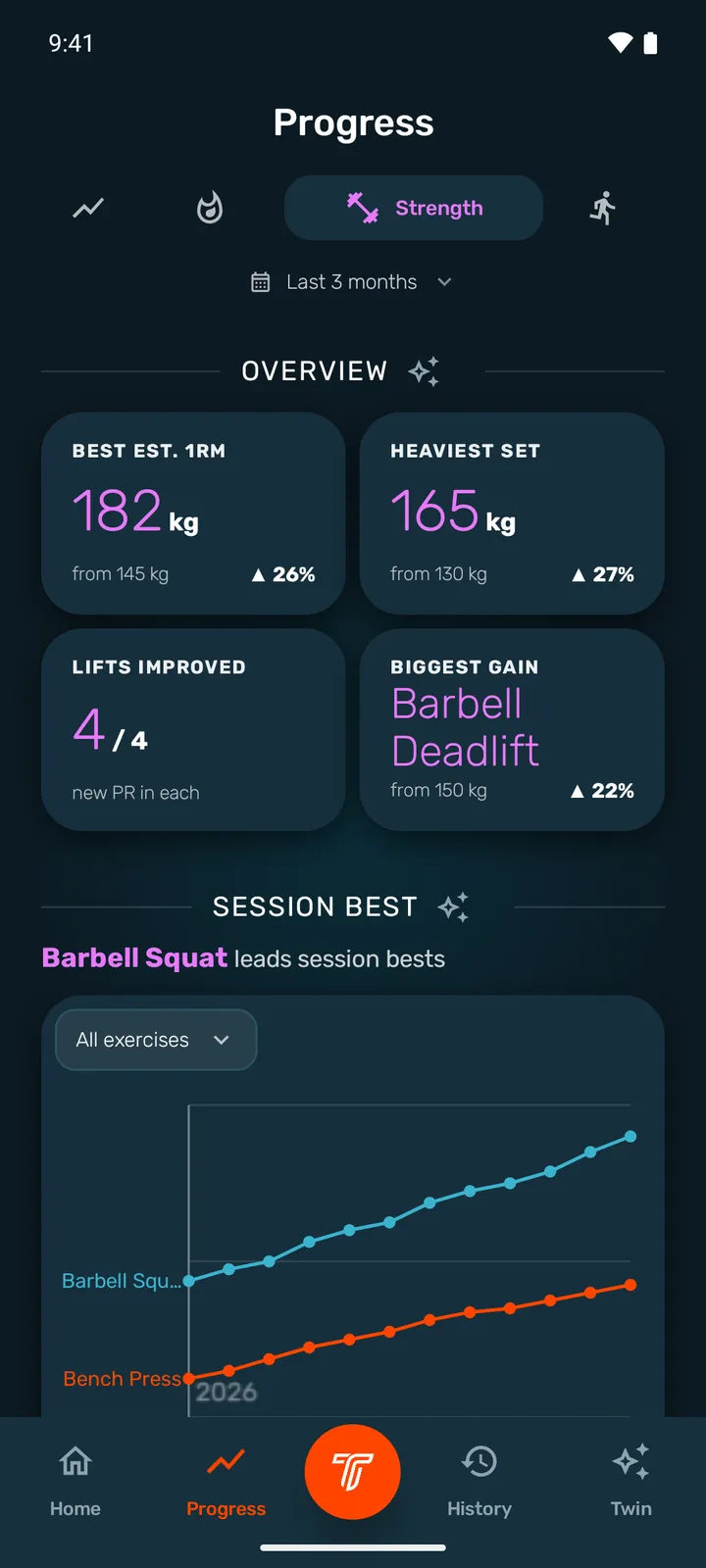
Progress
Hypertrophy, strength and endurance each have their own reading: weekly volume and dose, best loads, cardio time. The home screen shows the state of your muscles to plan the next session.
Wear OS
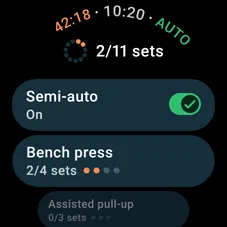
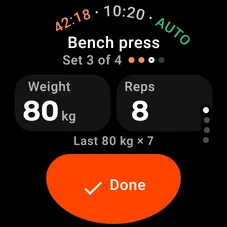
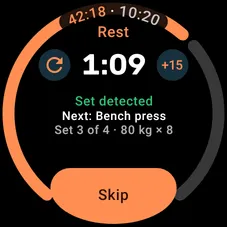
Validate your sets, follow rest and cardio from the watch. In semi-automatic mode the watch listens to your movements and the phone records the set.
Captures of the watch app in English.
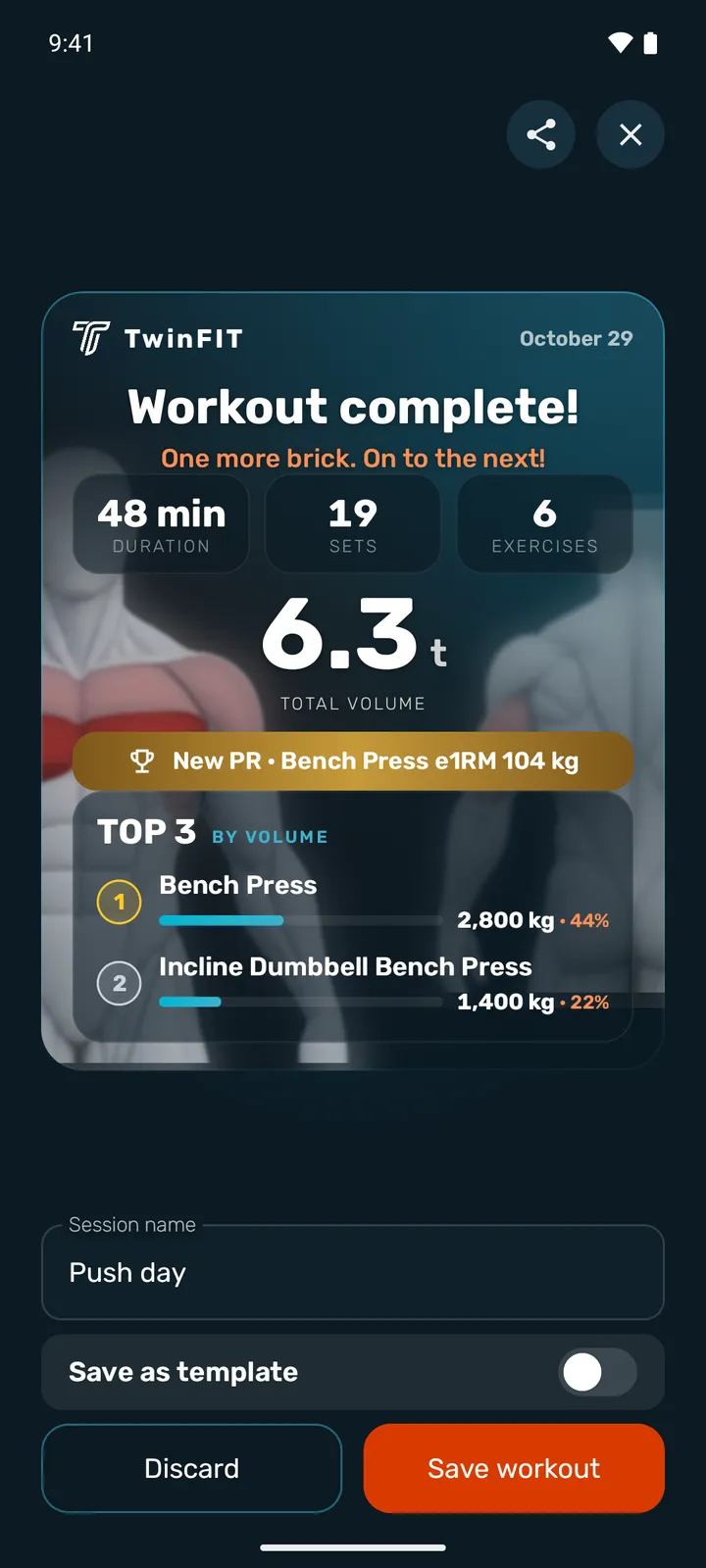
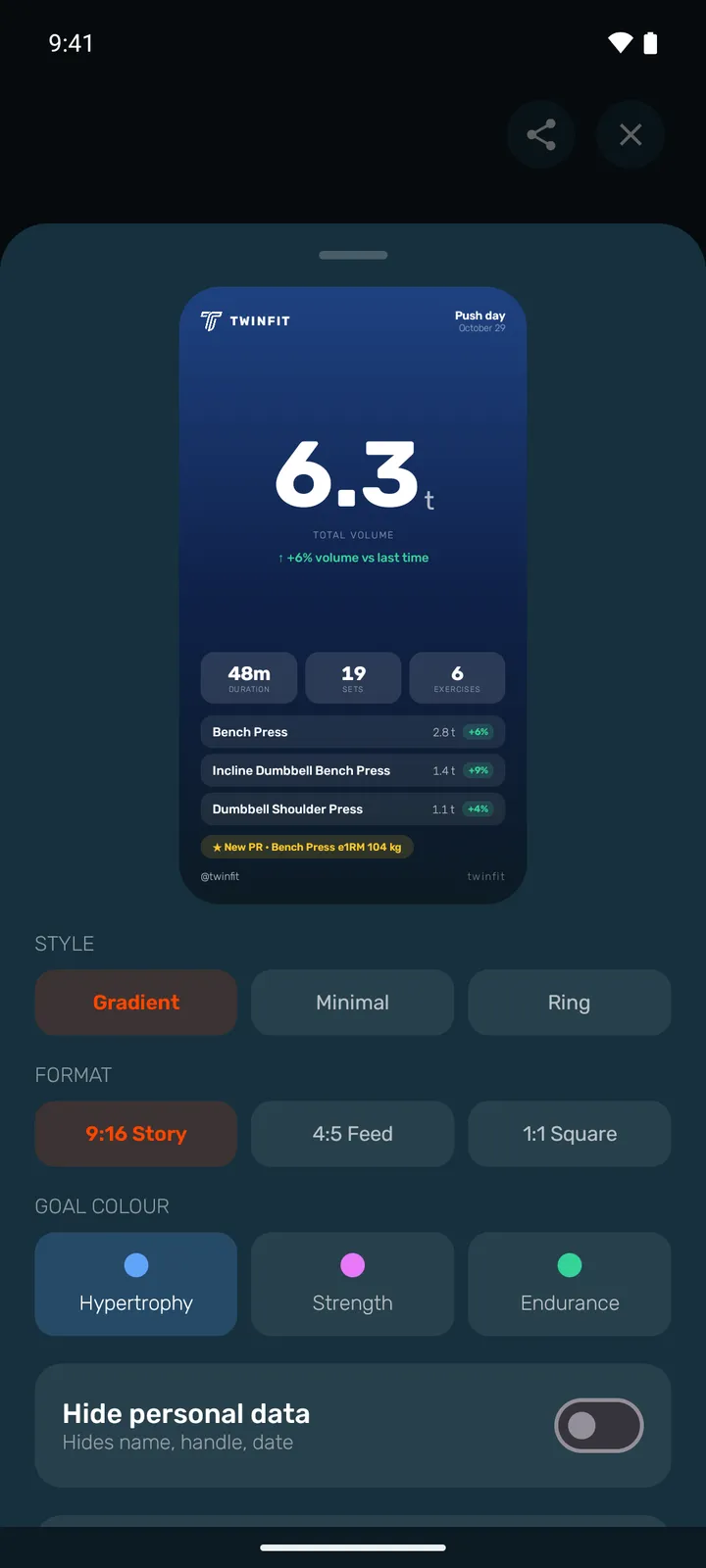
Share
At the end of every workout a card sums up volume, duration, sets and records. Pick the style and the format, hide your personal details if you like, then share it as an image, a GIF or a video.
Free or Premium
The essentials are free: the catalog, workouts, the semi-automatic mode, the watch app and a limited Twin. Premium removes the limits.
| Feature | Free | Premium |
|---|---|---|
| Workout templates | 3 | Unlimited |
| Routines | Not included | Included |
| Training history | 1 month | Full history |
| Twin | Limited | Unlimited |
On the free plan, Twin answers the suggested questions that do not use your training data; questions about your own data are part of Premium.
Premium costs €5.99 a month or €64.99 a year (more than one month free), VAT included, through Google Play. No free trial.
Coming soon
TwinFIT is available on Android (7.0 and up) through Google Play, with a companion app for Wear OS watches (3 and up). There is no iOS version for now.
No. You can log your sets by hand. The sensor is for the semi-automatic mode, which detects and records the sets for you.
Wear OS 3 or later watches with an accelerometer and a gyroscope (nearly all of them), with the TwinFIT watch app installed. Settings → Sensors checks your device’s compatibility.
It is in development: it will recognise the exercise and count the reps. In the meantime, the semi-automatic mode is ready.
Your account and history are hosted in the European Union. The sensor readings are processed on your phone and are not sent to our servers. The website uses no cookies and no analytics.
In the app: Settings → Delete account. Your account and all your training data are permanently deleted.